Face Recognition Attendance from CCTV: How It Works, Camera Requirements, and Limitations
Can existing CCTV be used for face-based attendance? How it works, camera requirements, limitations, and what matters for personal data.
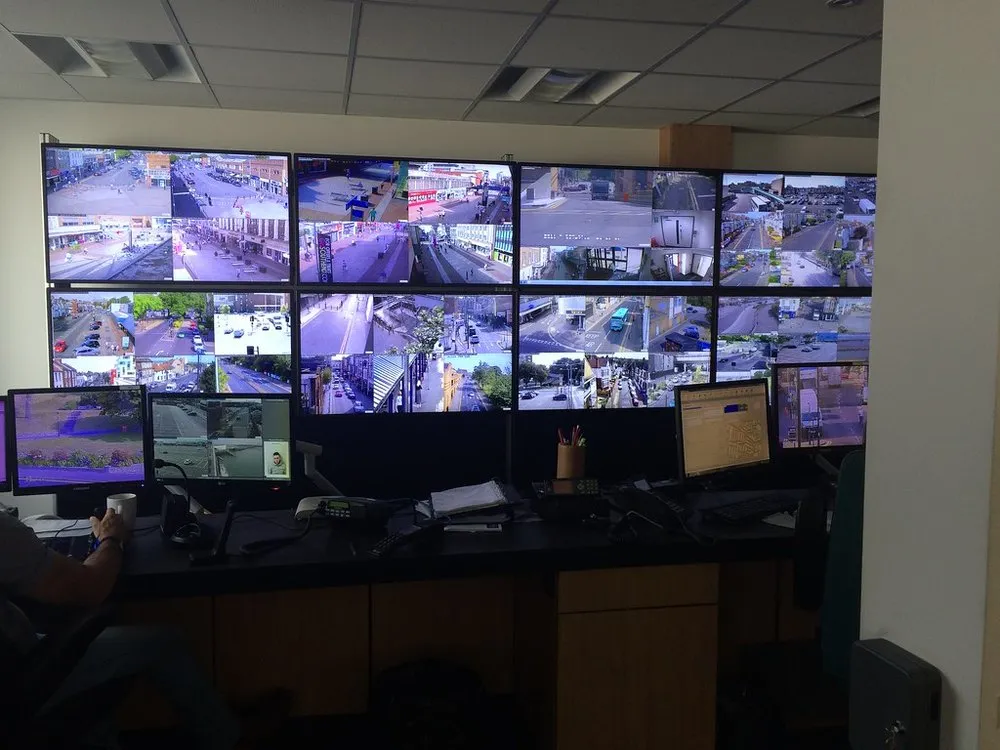
Many organizations already have CCTV at entrances, lobbies, or gates. The question is: can the same cameras be used for automatic attendance, without queuing at a fingerprint machine or tapping a card?
The answer: often yes, but not every camera and not every position is suitable. This article explains how it works, the technical requirements, and the limitations you should know before deciding.
How face attendance from CCTV works
Put simply, the process has four steps:
- Face enrollment. Each employee is registered with several photos of their face from different angles.
- Detection. The system monitors camera footage and detects when a face is visible clearly enough.
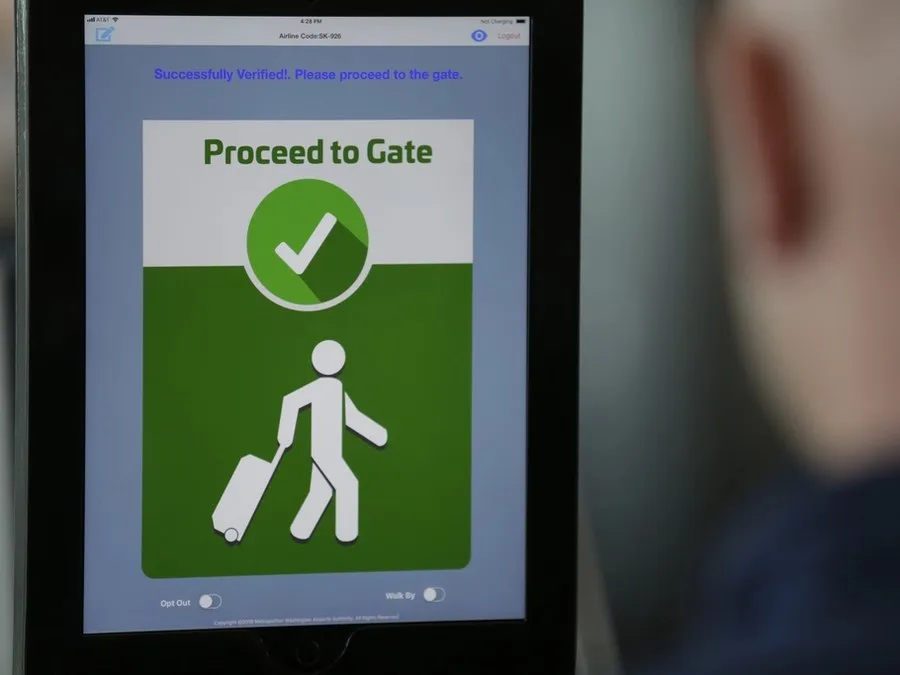
- Matching. The detected face is compared with the registered face data.
- Recording. If it matches, the system records the check-in or check-out time and sends it to HRIS or payroll.
Employees simply walk past the camera area as usual.
Camera requirements and mounting position
Matching quality depends heavily on the image received. The factors that matter most:
- Position and angle. The camera should face people from the front at a not-too-steep angle. A camera on a high ceiling looking down usually only captures the top of the head.
- Distance and walk-through point. Choose a point that people must pass one at a time, such as an entrance, turnstile, or corridor.
- Resolution. Faces need to appear large enough in the image. Higher-resolution cameras allow for greater distances.
- Lighting. Light from behind a person (for example a glass door in direct sunlight) makes faces dark. Even lighting in front of the face helps a lot.
In practice, many organizations keep using their existing CCTV for some points, then add one or two cameras at the main entrances in an ideal position.
Limitations to be aware of
Face attendance from CCTV is not without weaknesses. Some conditions can reduce the success rate:
- faces covered by masks, helmets, or hats,
- many people passing at once and blocking each other,
- major changes in appearance compared with the enrollment photos,
- an unstable network between the camera and the server.
That is why a good system always provides a fallback path: for example, check-in through a phone app with location validation, or manual correction by an admin with a recorded reason.
Face data is personal data
Facial photos and biometric data are a specific category of personal data. In Indonesia, their handling falls under the Personal Data Protection Law (Law No. 27 of 2022). Practices worth applying:
- inform employees in writing about the purpose of using face data and ask for their consent,
- limit who can access the data and recordings,
- decide how long data is kept, and delete data of employees who have left,
- store data on a server with clear security — this can be on-premise.
When is face attendance from CCTV a good fit?
It fits when:
- you have enough employees that attendance queues become a problem,
- there are clear entry points where cameras can be mounted in a good position,
- you want attendance data to connect directly to HRIS or payroll.
It is less suitable if employees move around in the field without a fixed entry point. In that case, attendance through a phone app with geofencing is usually a better choice.
First steps
Before buying new devices, run a short survey: which points employees pass through, which cameras already exist, and how they are positioned. From there you can decide whether the existing cameras are enough or need additions.
The Sentra team can help with the survey and a pilot at your site. See Attendance or contact us to discuss.
Tell us about the process. We'll help map out the most proportionate approach.